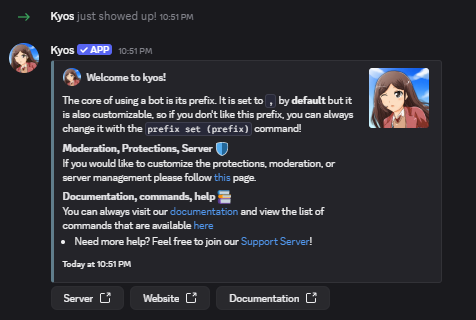
After inviting kyos, you should receive a message containing some basic information on the bot. If not, don’t worry! Just keep following the steps.
This message will be sent to the first channel found that kyos can send messages to.
kyos join message
2
Moderation Systems
By running the setupmute command, kyos will create a muted role and setup channel permissions.
finalised mute setup
Things such as imute and rmute are not affected here and are only triggered when using those commands.
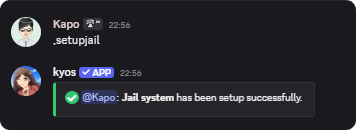
To setup the jail system, run a similar called setupjail
3
Logging
For logs, you may either have all log events go to one channel or individual. Visit this page for more.
Individual or grouped logging can be set
4
Done!
You’ve now completed the basics to setting up kyos! If you require assistance on setting up any other features, please visit the designated page on this website or contact us in our support server